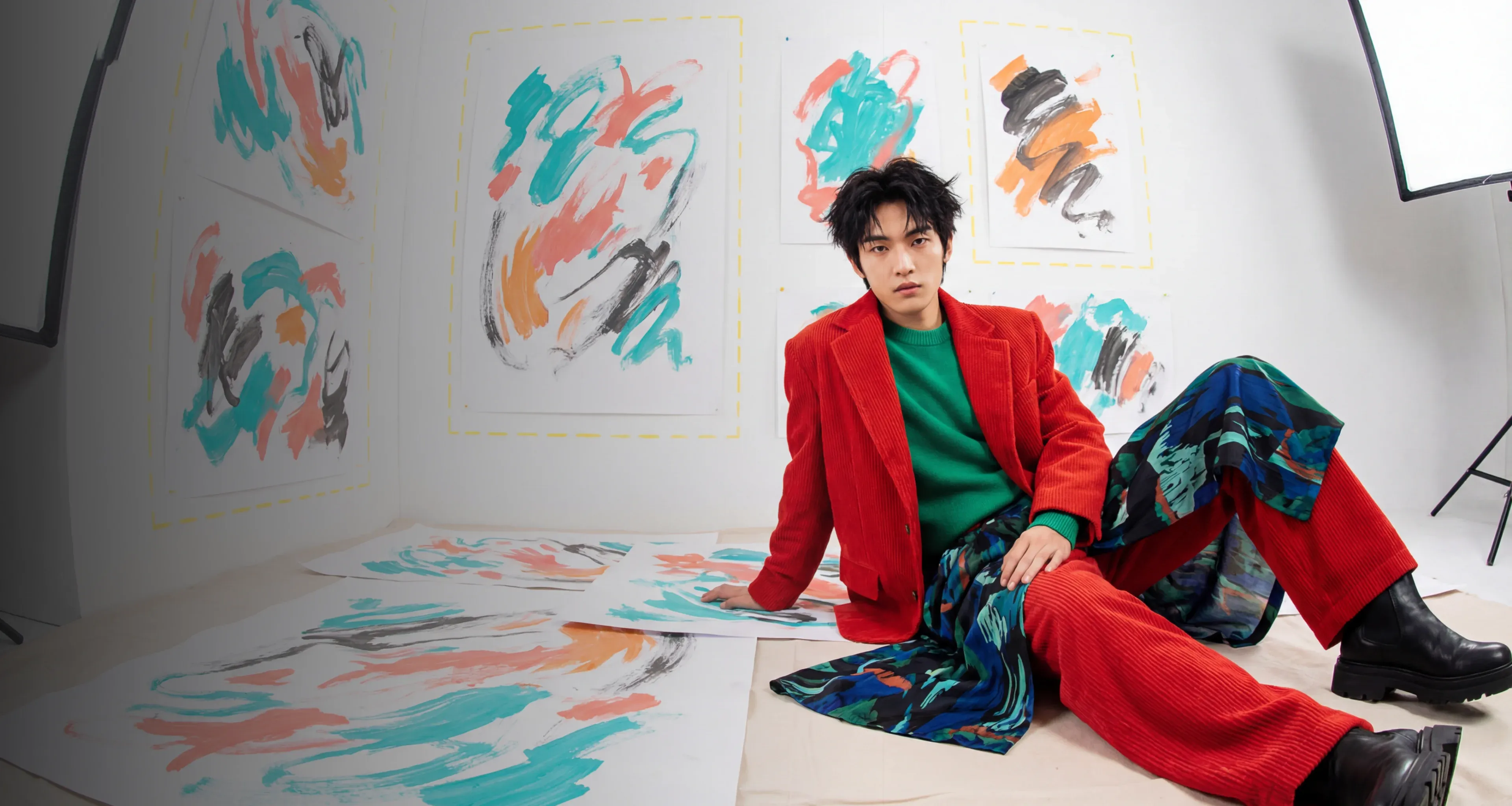
Ideogram 3.0
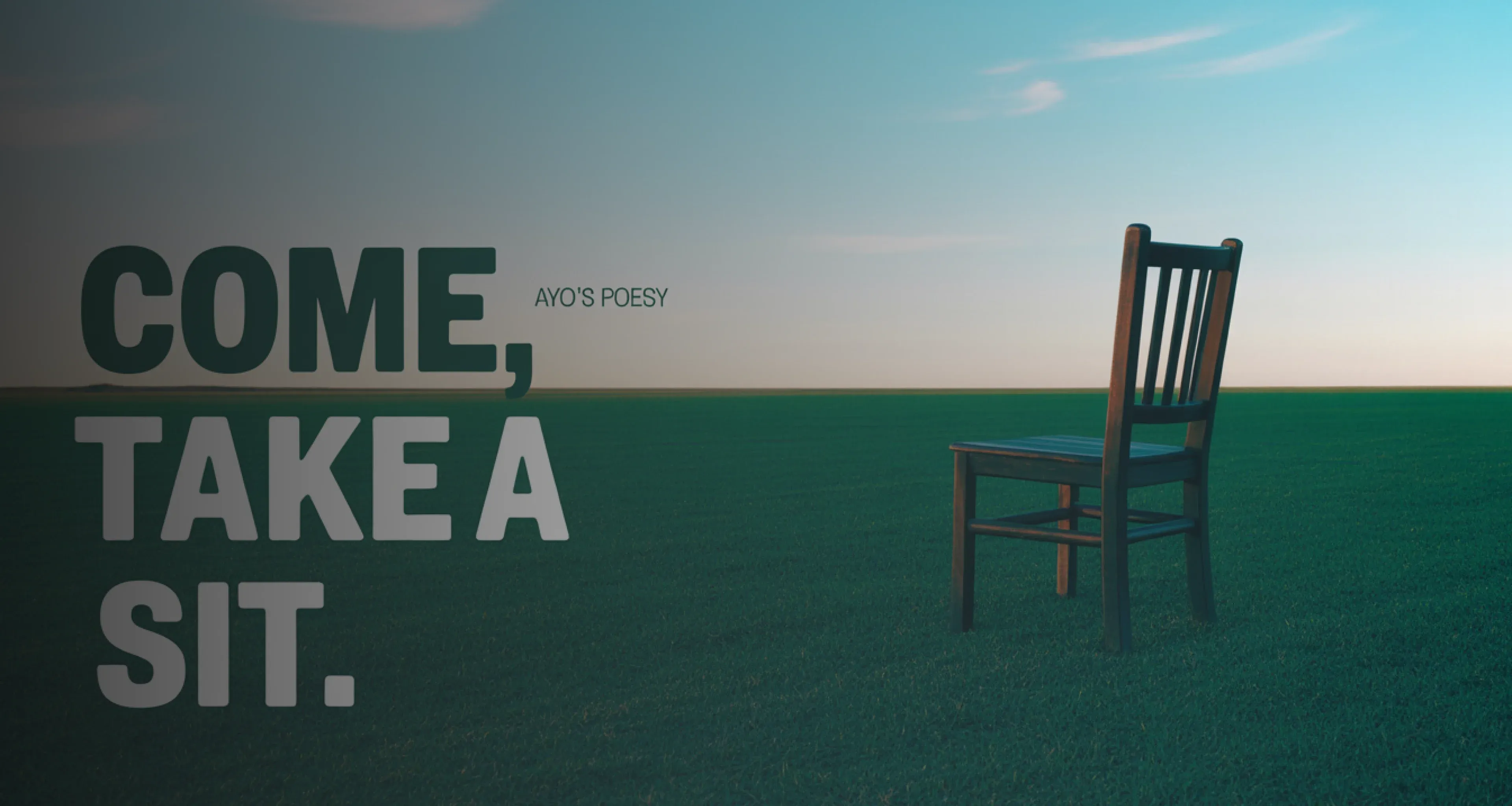
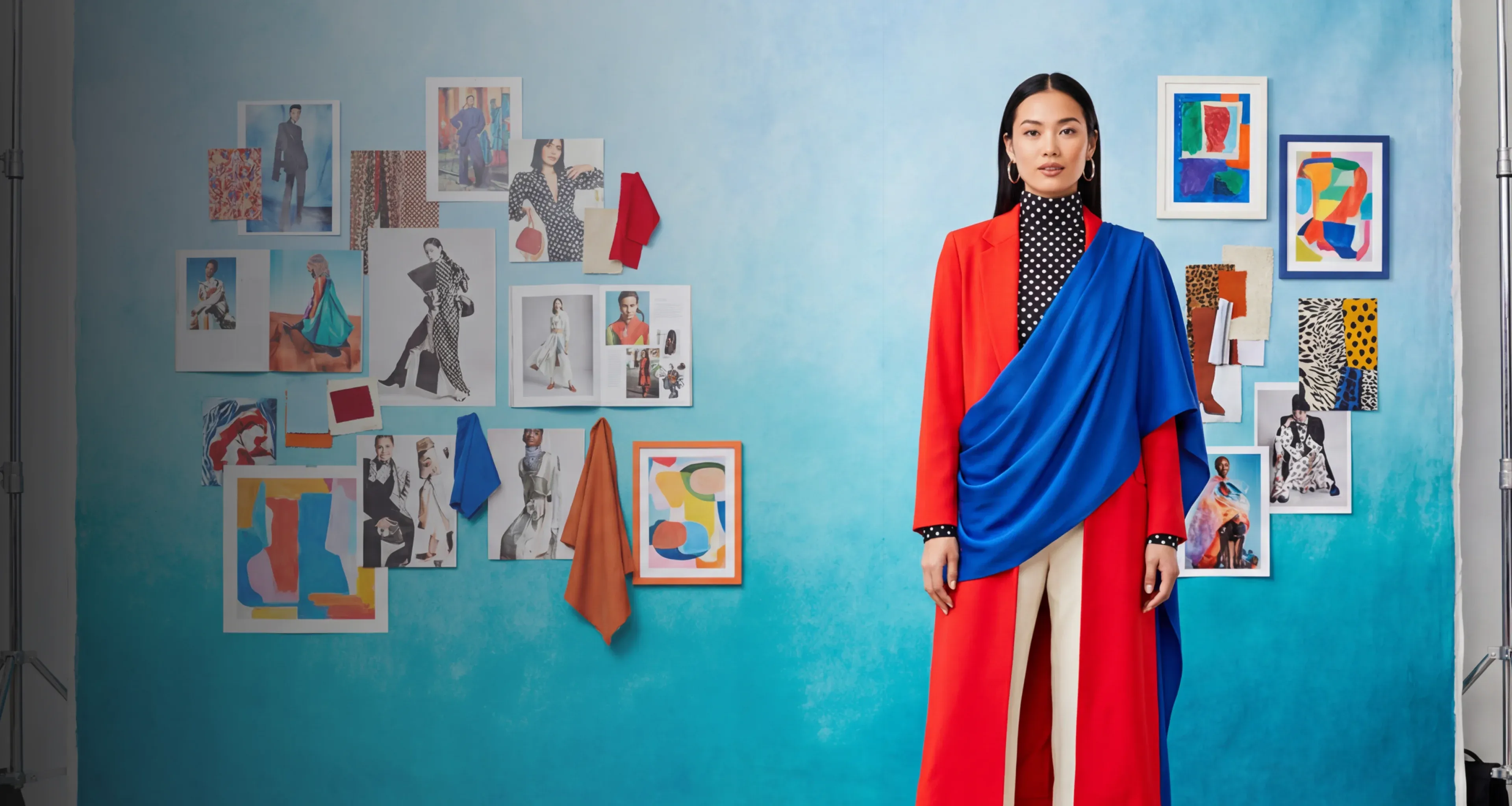
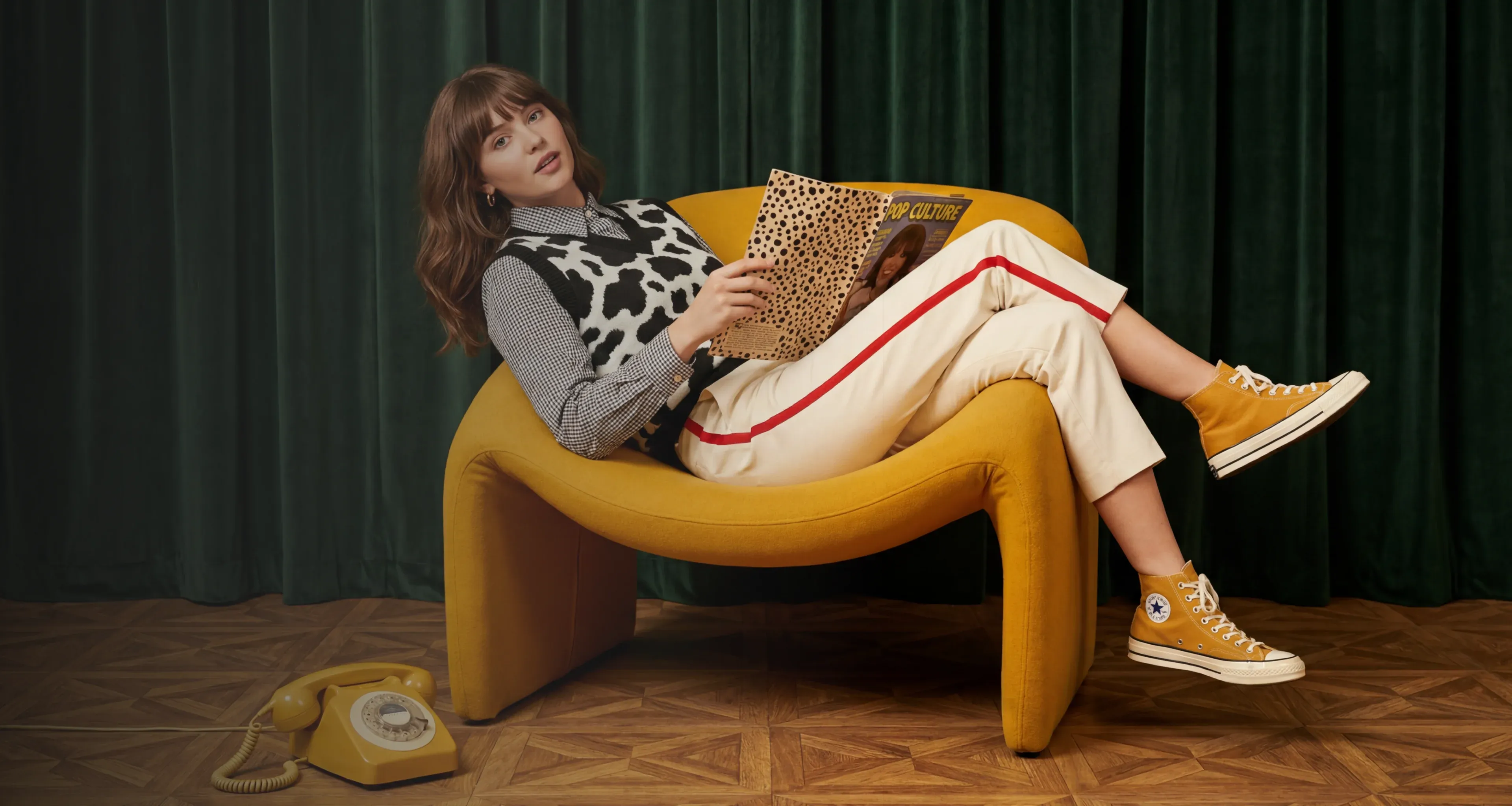
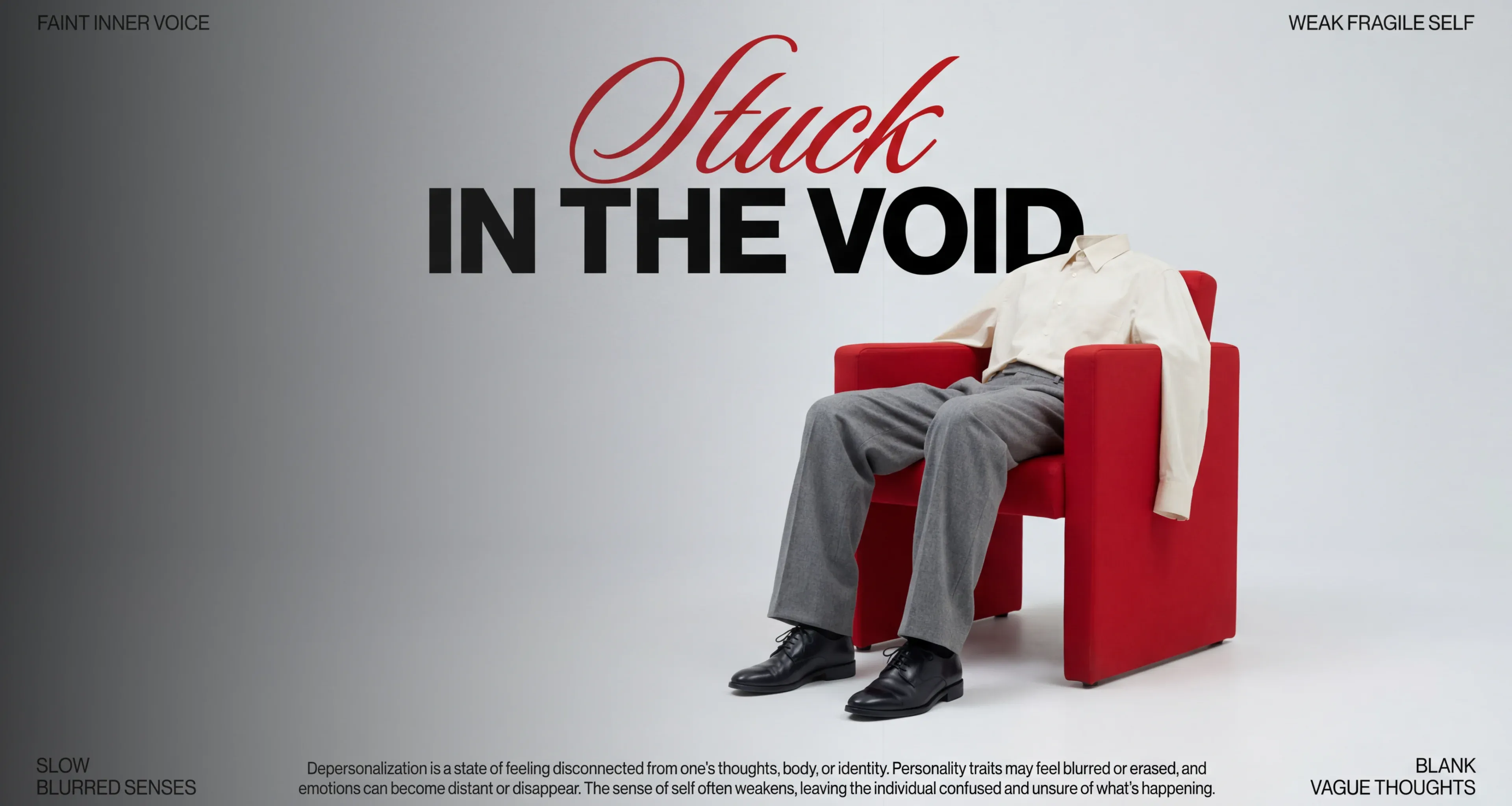
Ideogram 3.0 is the AI image generator that turns your words into production-ready visuals. Experience flawless text rendering, cinematic photorealism, and style precision that professionals trust and crave.
Every Visual Style With One Powerful Platform
Ideogram AI was built from the ground up to handle the full spectrum of creative work while providing complete control over the process.
Common Usecases
Transform Any Image Without Starting Over
Remix Mode lets you take any existing image and reprompt directly on top of it. Change the style, subject, or atmosphere while keeping the underlying structure intact. The result is a new image that feels like a deliberate evolution of the original, not a random regeneration.
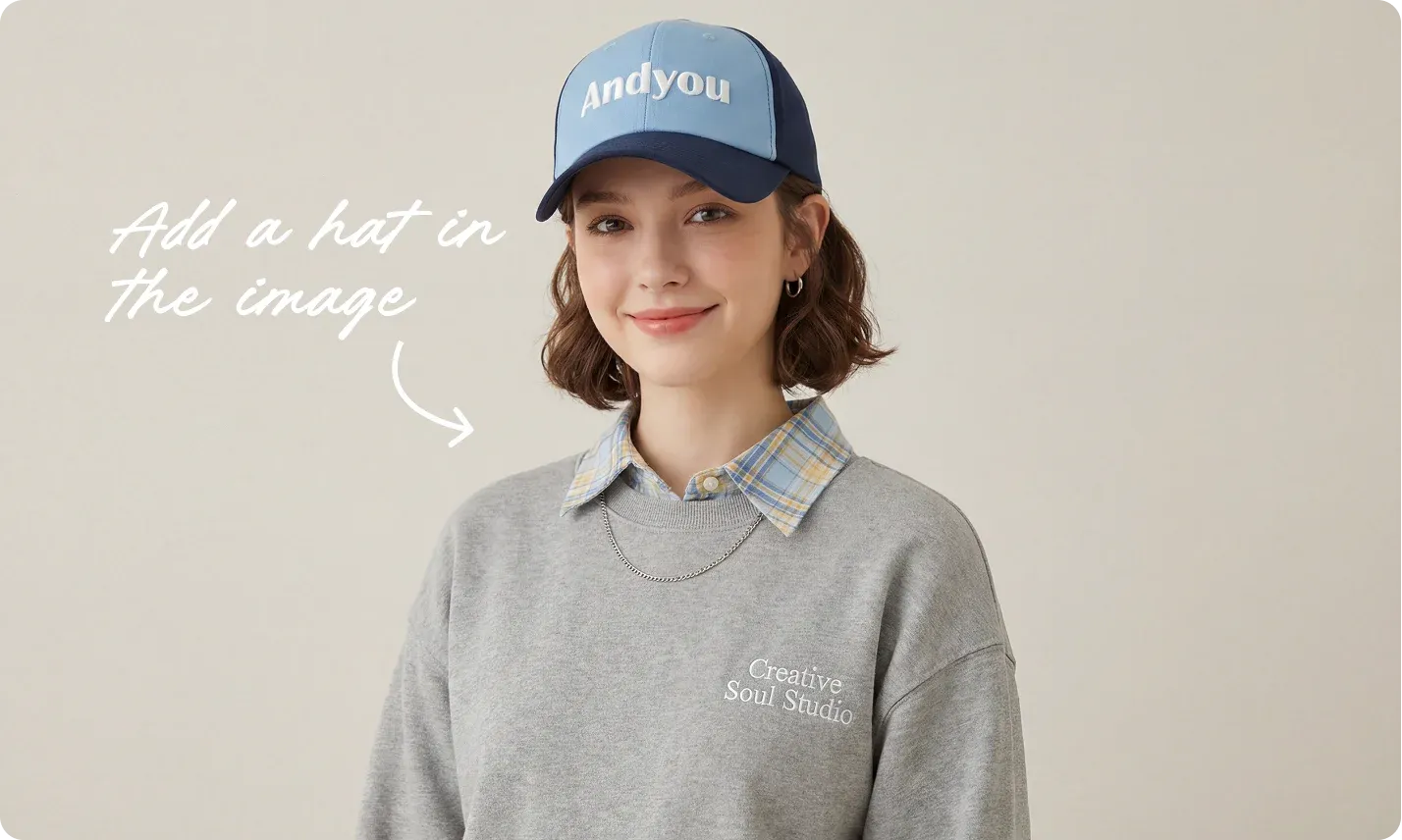
Built to Perform Where It Counts Most
Ideogram 3.0 was engineered to close the gap between creative vision and final output. Learn what sets it apart from every other tool in the image generator category.
Generate Across Every Visual Style
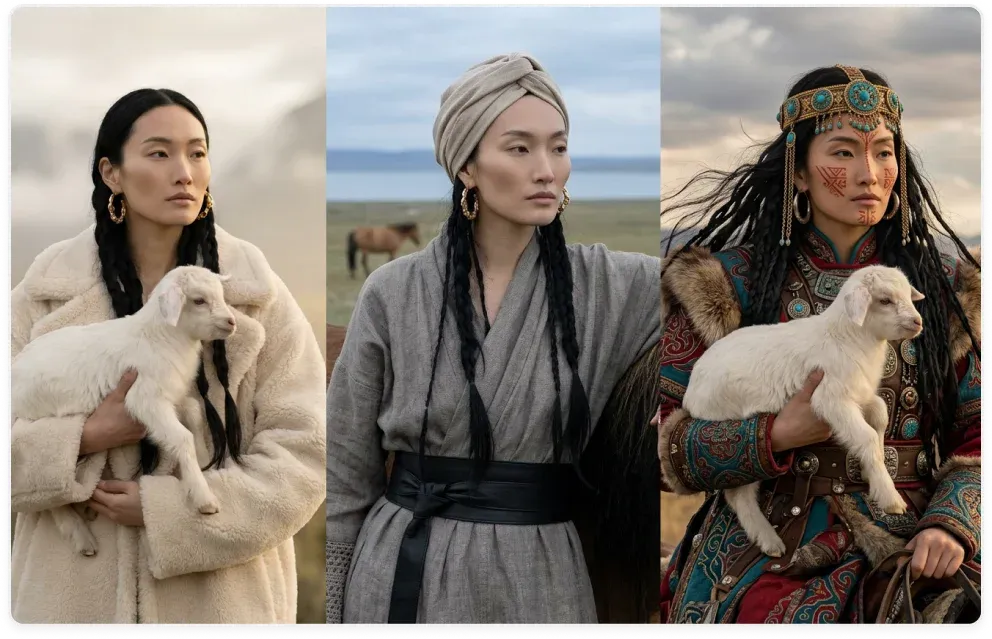
From photorealistic product shots to bold graphic posters to illustrated book covers, Ideogram 3.0 handles every visual register without switching tools or platforms. One account, one workflow, one model that doesn't force you to compromise your creative direction just because the style changes.
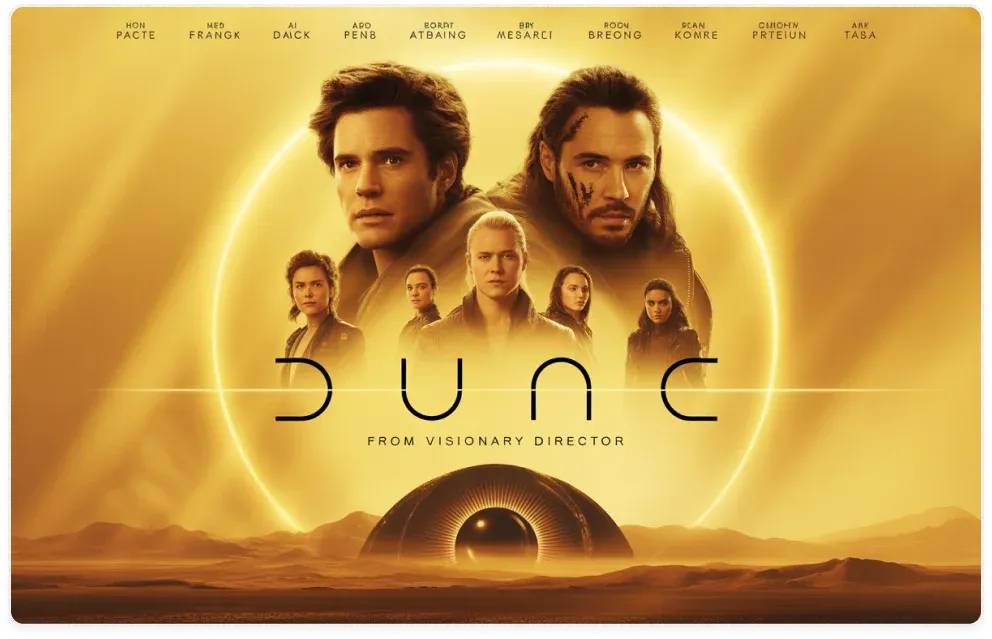
Text Stays, Edits Don't Break It
Most AI generators fall apart the moment you try to fix a finished image. Reprompting destroys what was already working. With Ideogram 3.0's Canvas tools, you can erase an element, fill a section, or extend a border without the rest of the image shifting. What you loved stays exactly where it was.

Your 24/7 Designer for Every Need
For basic cards, event flyers, social media graphics, product mockups, Ideogram 3.0 handles these end-to-end without a designer in the loop. The output quality clears the bar for client-facing and publication-ready work, meaning small teams and solo creators can produce professional visuals entirely on their own.
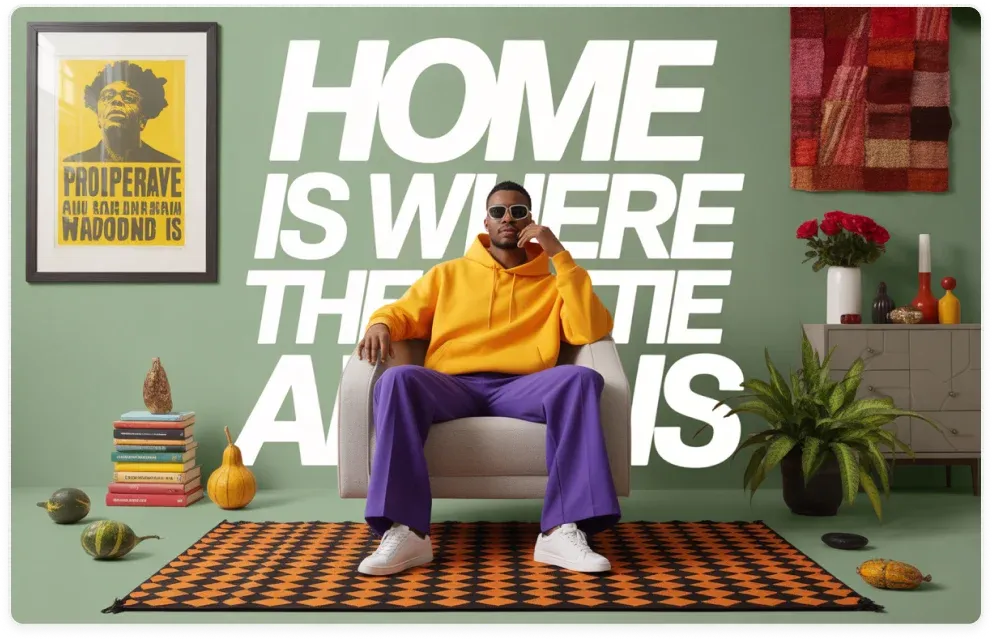
One Style Across Everything
Feed Ideogram 3.0 your brand colors, a reference image, and a saved Style Code and every image you generate from that point forward pulls from the same visual DNA. A startup can maintain the look and feel of a seasoned brand across hundreds of assets. All without a creative director managing consistency manually.
How to Use Ideogram 3.0 in Chatly
You can start using Ideogram 3.0 immediately inside Chatly. Just follow these simple steps.
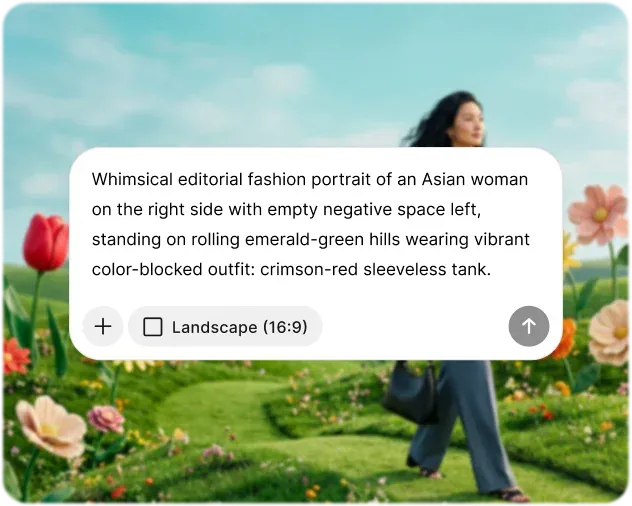
Enter Your Prompt
Describe what you want to create in plain language. Include the visual style, subject, mood, color palette, or any text you want rendered in the image. The more intentional your description, the closer your first output will be to your vision and Magic Prompt can expand it further.
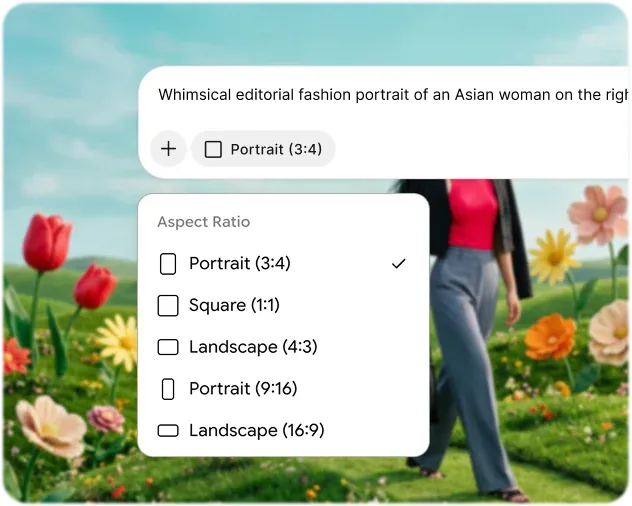
Customize Settings
Select your preferred aspect ratio or upload reference images to guide the aesthetic. Iterate using AI chat feature and customize outputs through advanced settings. Prompt enhancer works in the background to fill the gaps and provide important context for high-quality results.
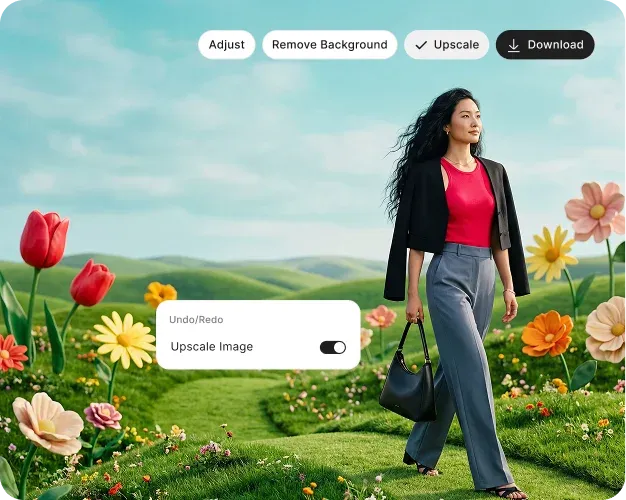
Generate & Download
Hit Generate and receive multiple output variations in seconds. Review each result, refine elements directly. Fill areas, extend edges, erase objects, or remove backgrounds. Then download your final image in full resolution, ready for print, web, or production use.
What Ideogram 3.0 Actually Delivers
Performance claims matter only when they translate to real results. And Ideogram 3.0 consistently demonstrates this across practical, production-level use.

Text Accuracy
Ideogram 3.0 renders embedded typography at an estimated 90–95% accuracy rate, highest among publicly available AI image generators.

Style Recall
Reproduce the exact visual fingerprint of any previous generation across entirely new prompts and subject matter.

Prompt Adherence
Ideogram 3.0 correctly interprets multi-condition prompts that stack placement, color, typography, and tonal directives simultaneously.

Reference Synthesis
Model uses reference images and blends their dominant hues, lighting character, and surface texture into a single cohesive output.

Photorealism Fidelity
Produces spatial depth, accurate specular highlights, and realistic light-surface interaction credible for professional presentations.

Composition Structure
Applies visual hierarchy, whitespace balance, and typographic grid logic to design outputs without requiring explicit layout instructions.

Batch Consistency
Processes multiple prompts while maintaining uniform output quality, style application, and prompt adherence across every image.

Generation Speed
Ideogram gives you a direct trade-off dial between seconds-fast prototyping and maximum fidelity output all within the same platform.

Character Consistency
Character Reference feature maintains a defined character's facial structure, clothing, and key design attributes across multiple generations.
All Your AI Tools, Finally in One Place
Avoid jumping between different applications. Chatly integrates multi-model AI chat, intelligent search, and image generation in one platform, allowing you to stay focused and seamlessly transition from ideas to outputs.
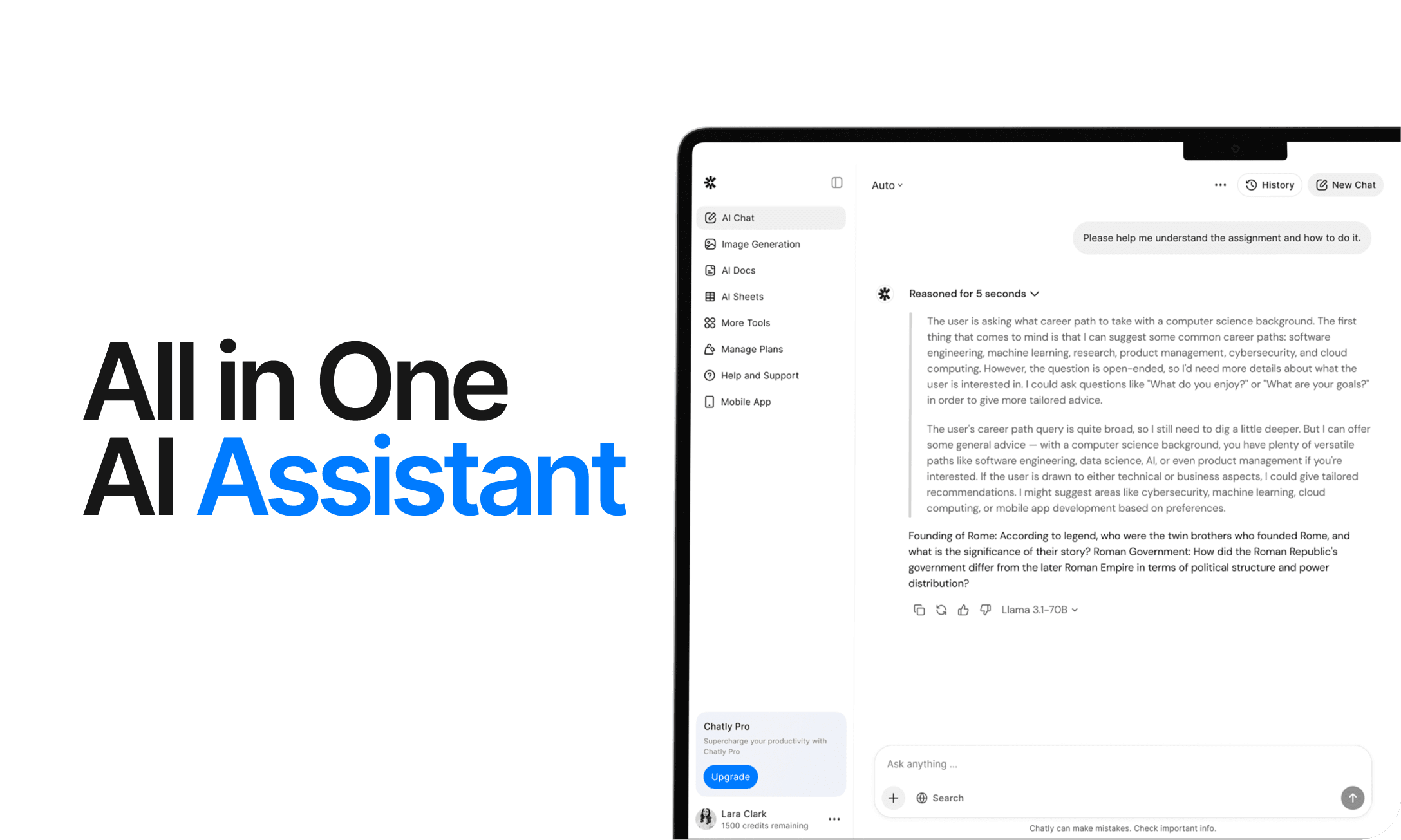
AI Chat
Chatly's AI Chat is designed to align with your thought process. Whether you're deciphering a complex issue, investigating a new concept, or deliberating a decision, it provides the clarity and context you require.
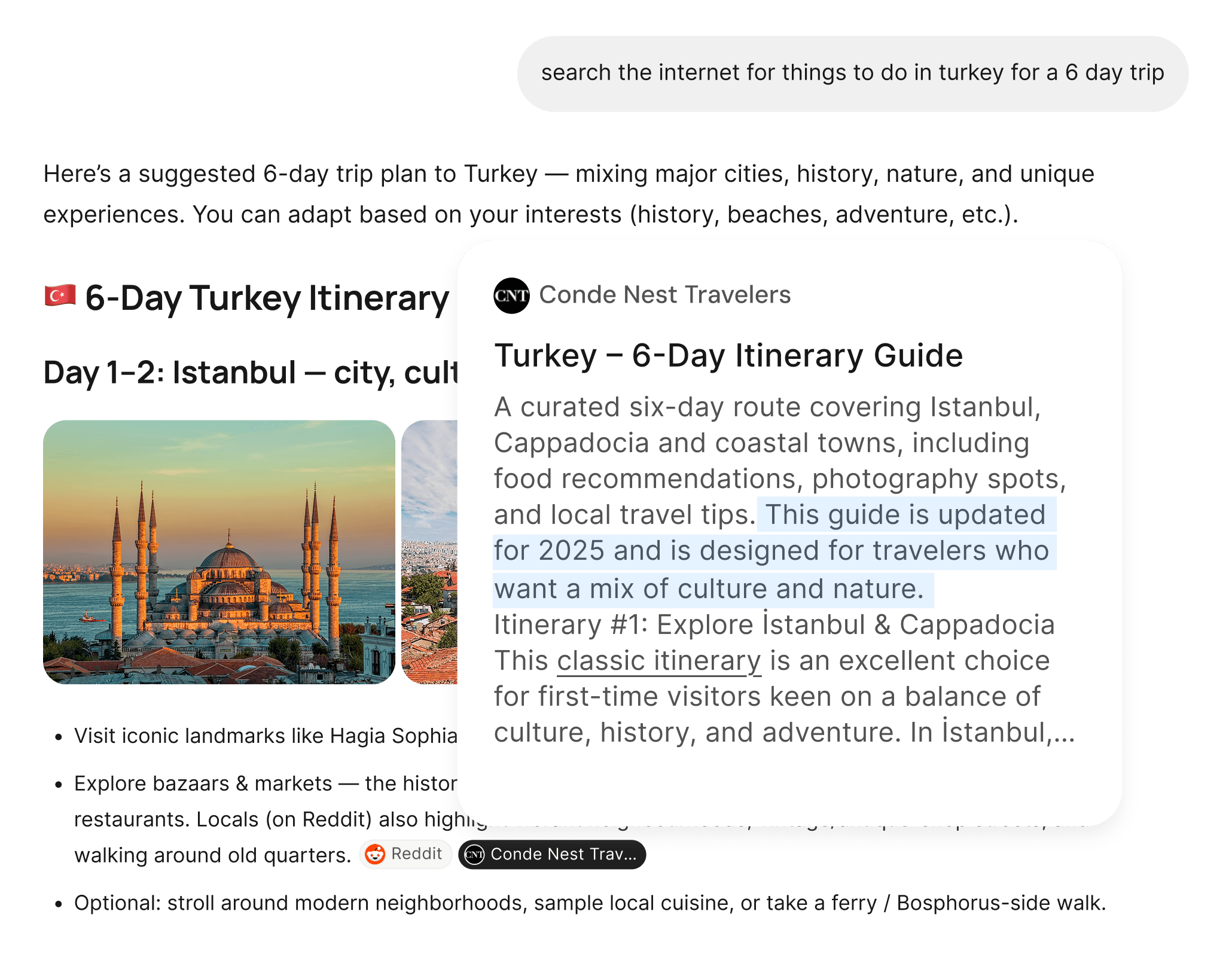
AI Web Search
Chatly's AI Web Search allows you to pose questions as you naturally would and receive answers sourced from real-time information. There’s no need for manual browsing or dealing with multiple tabs. Just precise, current information.
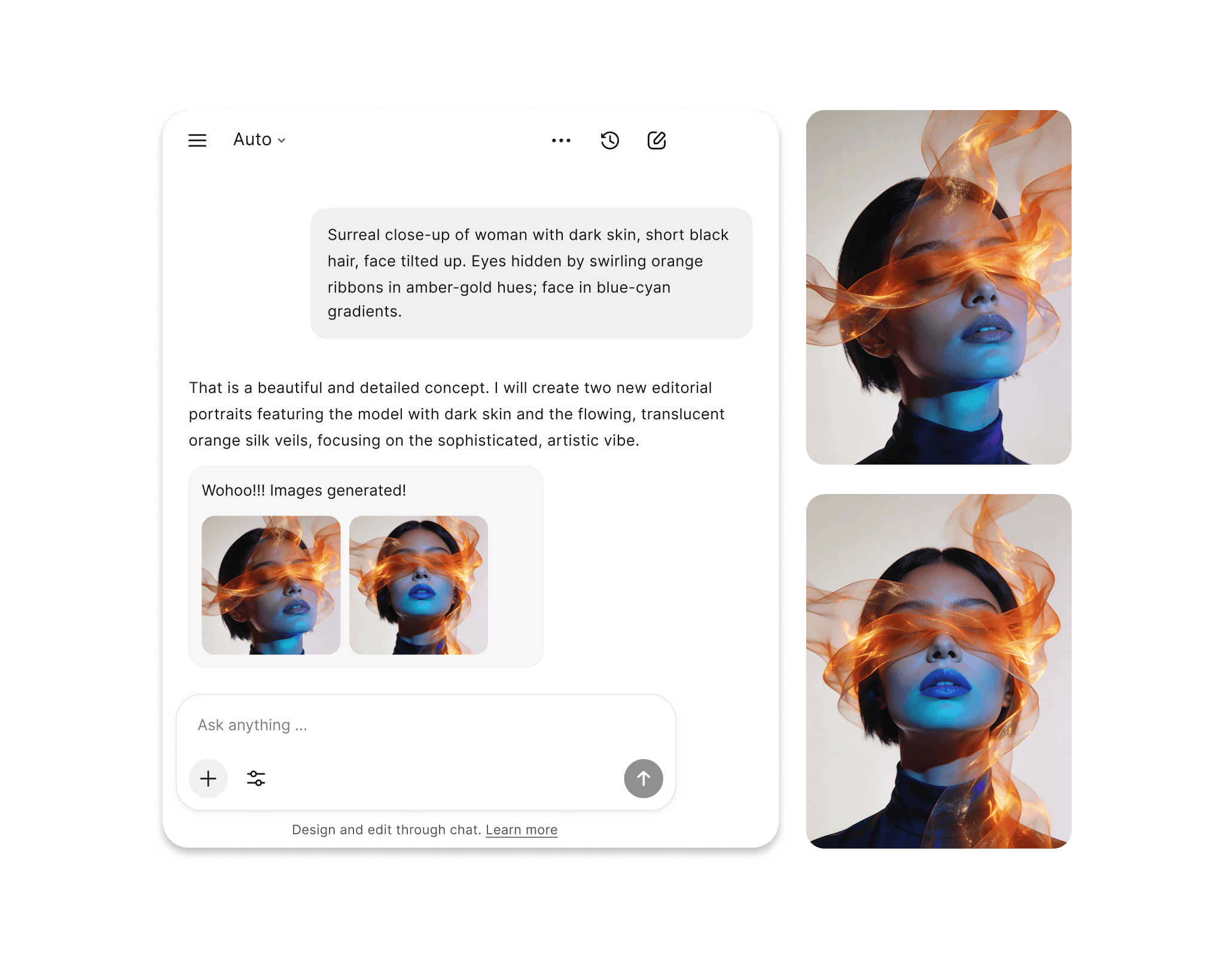
AI Image Generation
Chatly's AI Image Generation bridges the gap between concept and visual representation. Simply write a prompt, define your parameters, and receive high-quality images tailored to your specific needs. Perfect for presentations, campaigns, or creative experimentation.
What Users are Saying About Ideogram 3.0
Designers, authors, marketers, and creators across industries have made Ideogram 3.0 a permanent part of how they work. Here's what they have to say.
Frequently Asked Questions
Here are answers to some fo the most common inquiries users have online.
Start Creating With Chatly Today
Chatly gives you the speed, quality, and creative range to bring any visual idea to life. No design experience required. No compromises on output. Just describe what you need and generate it in seconds.